Referencing data in the UI#
数据映射意味着引用来自前面节点的数据。它不包括更改(转换)数据,只是引用它。
When you need data from a particular node in your workflow, you can reference nodes by name. This is useful when your workflow has multiple branches or when you need to access data from several steps back.
You can map data in the following ways:
- Using the expressions editor.
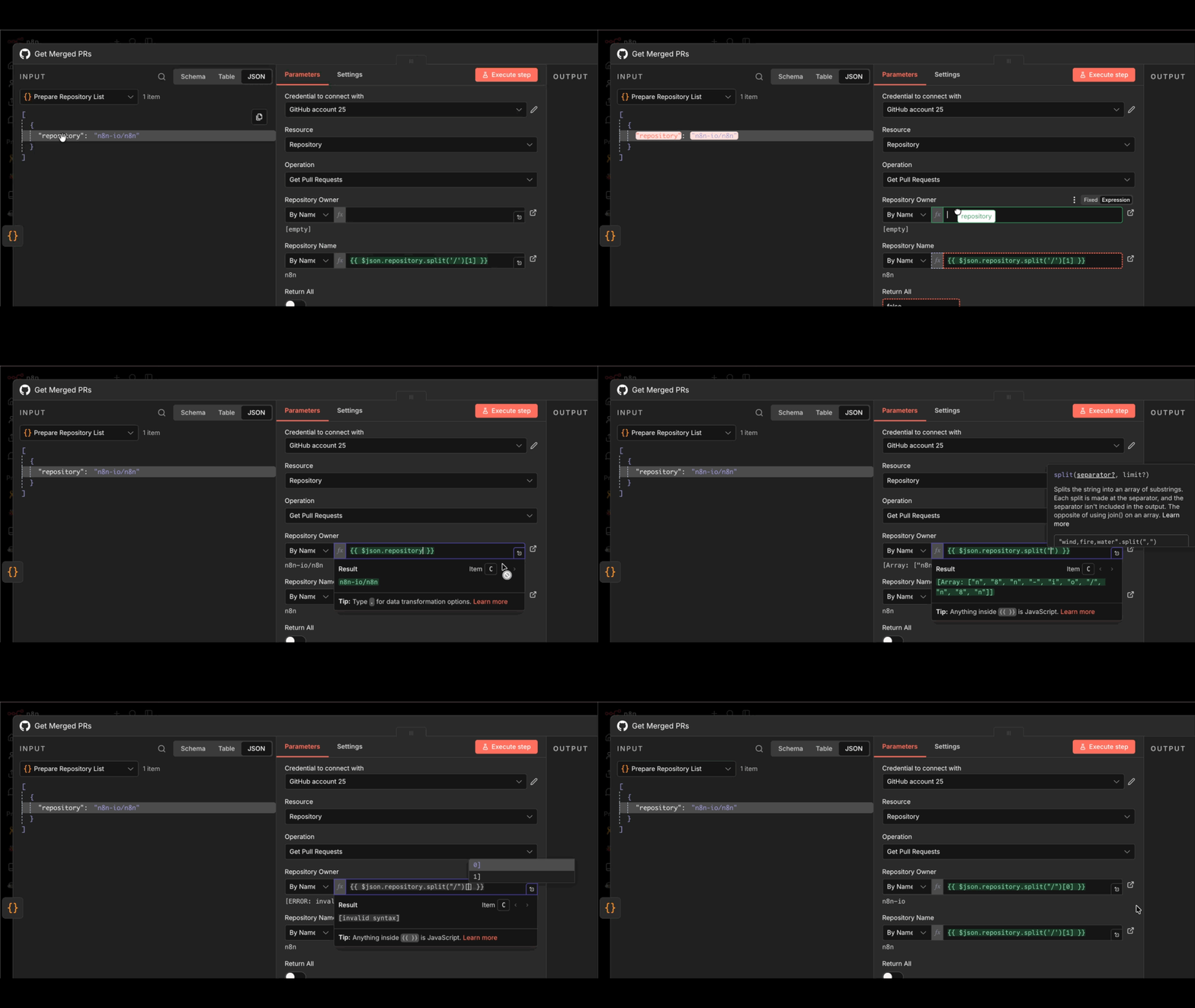
- By dragging and dropping data from the INPUT pane into node parameters. This generates the expression for you.
有关映射和链接项目错误的信息,请参阅项目链接错误。